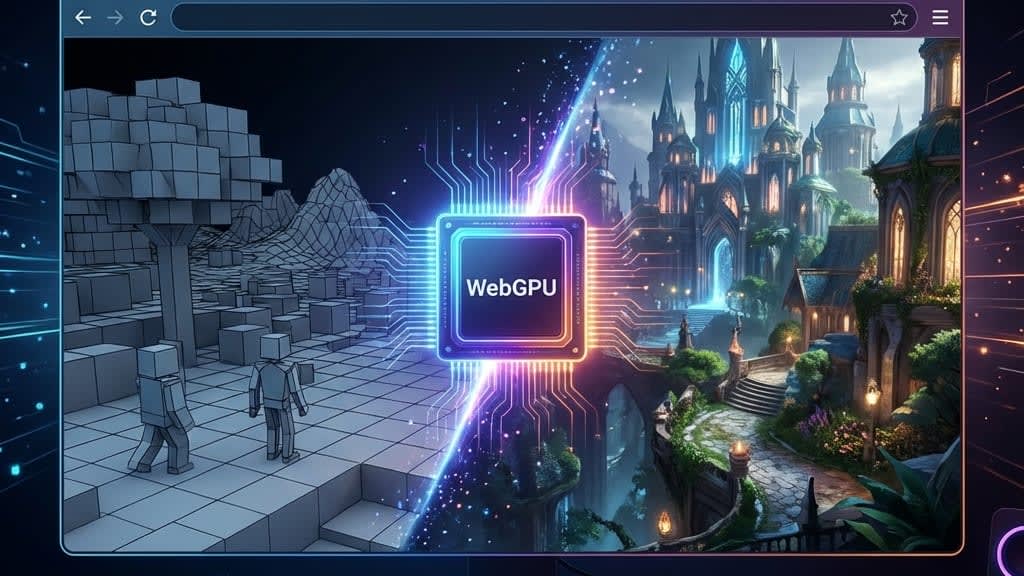
We've been hearing "the browser is the new OS" for a decade.
With WebGPU shipping in Chrome (and fast-following in Safari/Firefox), it might actually be true now. 🎮
🕹️ What is WebGPU?
WebGPU replaces WebGL.
Simple version:
- WebGL: Based on OpenGL ES 2.0 (technology from 2007). Your phone's GPU laughs at it.
- WebGPU: Based on modern APIs like Vulkan, Metal, DirectX 12. The stuff AAA games actually use.
Did you know? WebGL couldn't even use all the features of a 2015 graphics card. It was that outdated. WebGPU finally catches up to what native apps have had for years. 🎉
⚡ The Actual Difference
If you're wondering "okay but what does this MEAN," here's the breakdown:
Draw Calls
WebGL: High overhead. Every draw call is expensive. WebGPU: Low overhead. Huge win for complex scenes.
Compute Shaders
WebGL: Can't do them. At all. WebGPU: Full support. This is the game-changer.
Multi-threading
WebGL: Lol no. WebGPU: Yes! Finally!
API Design
WebGL: Feels like 2007 (because it is). WebGPU: Feels modern. Async. Promise-based. Clean.
The big one is compute shaders. In WebGL, you could only draw triangles.
In WebGPU, you can run general-purpose algorithms on the GPU.
🧮 Wait, Is This Like Google Colab?
Kind of! But different.
Google Colab: Runs Python code on remote GPUs (cloud-based). Great for ML training.
WebGPU: Runs GPU code on YOUR local graphics card, through the browser. No server needed.
The similarity: Both leverage GPU compute power.
The difference: WebGPU is local and instant. Colab is remote and has startup time.
Think of WebGPU as "what if your browser could do GPU computing without sending anything to a server?"
Did you know? WebGPU compute shaders can run machine learning inference locally in the browser. No API calls. No data leaving your device. Privacy-preserving AI is suddenly possible in web apps.
🚀 What Can WebGPU Actually Do?
With WebGPU compute shaders, browsers can now handle:
- Physics simulations — 100,000 particles at 60fps
- Machine learning — Run inference models locally
- Audio processing — Real-time effects and synthesis
- Image manipulation — Photoshop-level editing in browser
- Data visualization — Millions of data points rendered smoothly
- Video processing — Real-time filters and effects
All running locally. All at native-like speeds. All in a browser tab.
🎮 The Gaming Implications
If I can run Cyberpunk 2077 in a browser tab with minimal lag, why would I download 100GB from Steam?
Did you know? Cloud gaming (Stadia, Luna) failed partly because of latency. The game ran on a server, had to stream video to your screen, and felt laggy.
WebGPU gaming runs LOCALLY. On YOUR hardware. Through the browser. No install. No 100GB download. Just... play.
This is genuinely groundbreaking. 🤯
👨💻 What This Means for Web Devs
You probably won't write raw WGSL (WebGPU Shading Language) unless you're building a game engine.
But the libraries you use will change:
Three.js: Already has a WebGPU backend in development.
Babylon.js: Full WebGPU support.
TensorFlow.js: GPU acceleration through WebGPU.
Figma/Canva: Will get faster. GPU-accelerated everything.
Video editing: Browser-based DaVinci Resolve competitor? Actually possible now.
🔮 The Future Model
I think this is where we're heading:
- Light apps: Just open a URL. No install. (Already here)
- Medium apps: WebAssembly + WebGPU for near-native performance. (Arriving now)
- Heavy apps: Still native, but the line is blurring.
The days of "you need to install this 5GB app to do one thing" are numbered.
Did You Know?
Trivia: The first WebGPU-enabled game engines are already running Quake-level graphics entirely in the browser. In 5 years, we might be debating whether to "download or just play" for AAA titles.
🎯 The Bottom Line
The console isn't dying. It's just moving to the URL bar.
Five years from now, "download the app" might sound as quaint as "insert the CD."
Is WebGPU ready for AAA games right now? No. Will it be soon? Faster than you think.
The browser is becoming the universal runtime.
And I'm here for it. 🚀
Now if you'll excuse me, I'm gonna go try to run Doom in a browser tab. For science. And bragging rights. 🔬