The iPhone changed the web from "Click" to "Touch."
The Vision Pro is changing it from "Touch" to "Gaze and Pinch."
I've been thinking about this a lot and honestly, my brain hurts. 🤯
👁️ The Browser Now Floats in Space
This is genuinely wild.
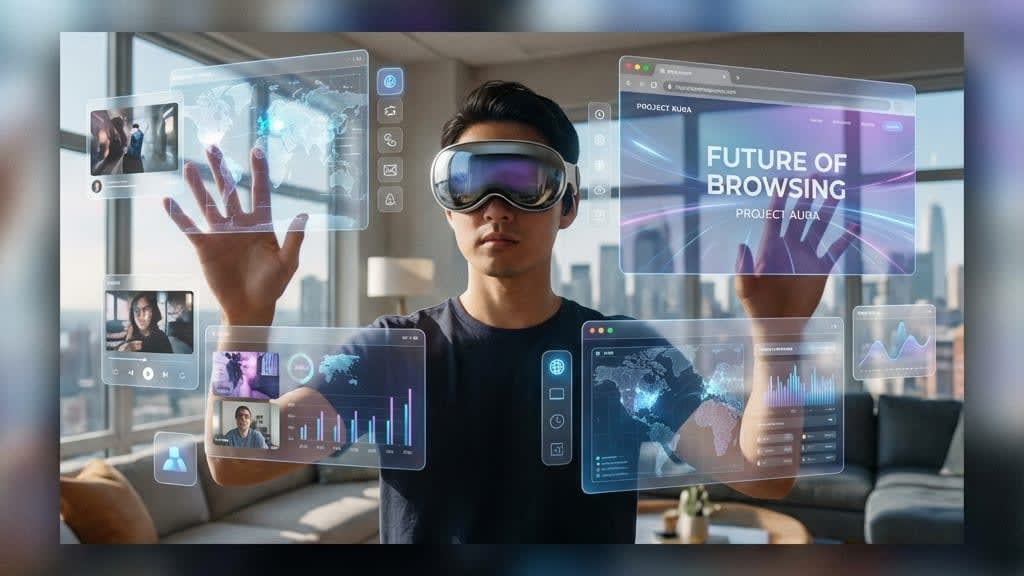
When someone uses Apple Vision Pro to browse the web, the Safari window literally floats in their living room. They can make it bigger, move it around, place it next to their couch.
Did you know? Safari in visionOS renders standard websites on a floating 2D canvas by default. You don't have to do anything special for your site to "work." But to make it good? That's another story.
🌊 The New CSS: Depth
We used to use z-index to fake depth.
Now we have literal, physical depth. Your UI elements can exist at different distances from the user's eyes.
Did you know? Apple's guidelines suggest using "elevation" to indicate importance. A modal should float closer to the user than the background. Unlike traditional UI shadows, this is actual 3D space.
Glassmorphism isn't just a trend anymore—it's a requirement. Elements need to be somewhat translucent so users don't feel claustrophobic with floating boxes everywhere.
👀 Eye Tracking as a Cursor
This is the biggest UX challenge I've ever thought about.
| Input Method | Precision Level |
|---|---|
| Mouse | Super high (pixel-level) |
| Finger | Low (44px minimum target) |
| Eye | Extremely erratic |
Your eyes jitter. You look at things without meaning to. You glance at a button while reading nearby text.
If we trigger "hover" states every time a user glances at something, the UI will flash like a strobe light at a rave.
The solution: Intent-based design. The UI should only react when the user focuses (sustained gaze + pinch gesture), not just when they happen to look.
🛠️ WebXR and Three.js
The web is actually ready for this. (Sort of.)
Libraries like @react-three/fiber let you render 3D in React:
<Canvas>
  <ambientLight />
  <Sphere args={[1, 16, 16]}>
    <meshStandardMaterial color="hotpink" />
  </Sphere>
</Canvas>
This used to be niche. Now it's becoming essential:
- E-commerce: 3D product previews (rotate that shoe!)
- Real estate: Virtual apartment tours
- Education: Interactive 3D models
- Games: Obviously
Did you know? IKEA's app already lets you place furniture in your room using AR. This used to require a native app. WebXR can do it in a browser tab now.
🏗️ What We Don't Know Yet
- Accessibility — How do visually impaired users navigate spatial UI? We're figuring this out in real-time.
- Fatigue — Looking at floating screens for 8 hours? Probably not great.
- Input alternatives — What if someone can't pinch?
🎯 The Opportunity
Remember when responsive design was new? The devs who figured out "mobile-first" early defined web design for a decade.
Spatial design is the next "responsive design moment."
The developers who figure out spatial UX principles early will shape how we all interact with the web in 2030.
Is that exciting? Terrifying? Yes. Both. At the same time.
I'm gonna go practice pinching things in the air now. My roommate thinks I'm having a breakdown. 🤌