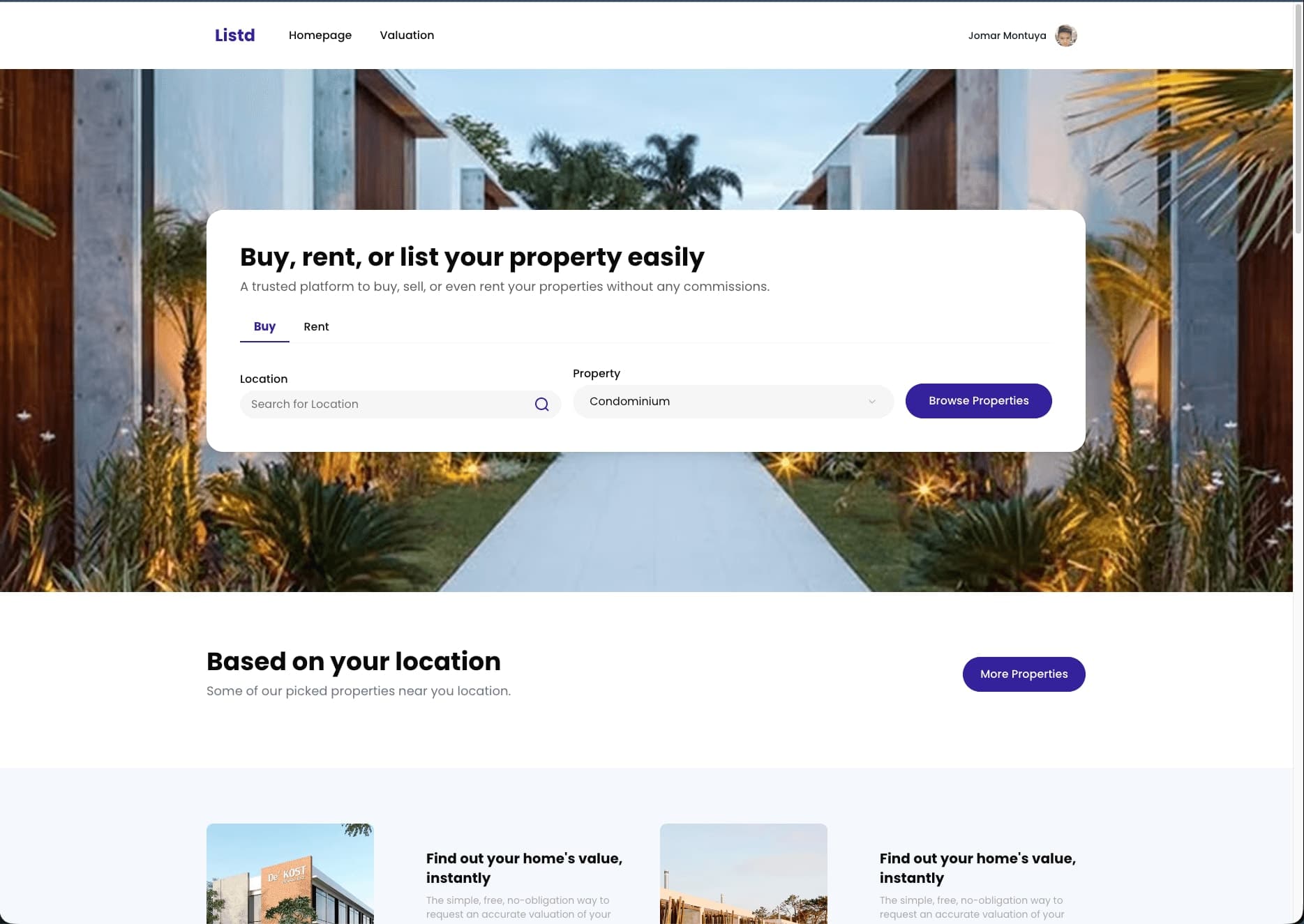
I've built two real estate platforms. listd.ph (Philippine marketplace) and All American Warehouse (industrial properties in the US).
They should have been simple. They were not.
The "Simple" Requirements
Every real estate client starts with the same pitch:
"We just need a search page. You know, like Zillow. Easy, right?"
Narrator: It was not easy.
Here's what "simple" real estate search actually means:
- Price range filters (with currency formatting that changes per locale)
- Location search (with geocoding, boundaries, and "near me")
- Property type filters (that change based on country/region)
- Bedroom/bathroom counts (studios count as 0 or 1? Depends who you ask.)
- Square footage (but also square meters, because Philippines)
- Map view with clustering (try rendering 10,000 pins without crashing Chrome)
- List view with sorting
- URL state persistence (so users can share searches)
- Mobile-friendly everything
The URL State Problem
This one almost broke me.
When a user filters properties, the URL should update. So they can:
- Bookmark their search
- Share it with their spouse
- Hit back and not lose everything
Sounds simple. But consider this URL:
/properties?city=manila&min_price=5000000&max_price=10000000&beds=3&type=condo&sort=newest
Now the user changes the page:
/properties?city=manila&min_price=5000000&max_price=10000000&beds=3&type=condo&sort=newest&page=2
Now they change the sort:
/properties?city=manila&min_price=5000000&max_price=10000000&beds=3&type=condo&sort=price_asc&page=1
Wait, did we reset the page to 1 when sort changed? We should. Did we? Let me check the bug tracker.
Did You Know?
Trivia: The average user applies 4.7 filters before viewing a property. But they only consciously remember applying 2. This is why "Clear All Filters" buttons get clicked more than you'd expect.
The Map Clustering Rabbit Hole
Showing properties on a map seems straightforward until you have 50,000 listings.
Option 1: Load all 50,000 markers
- Result: Browser dies. User angry.
Option 2: Cluster markers
- Result: User clicks cluster, gets confused. "Where are the actual properties?"
Option 3: Load markers within viewport
- Result: User zooms out. Sees nothing. "Your site is broken."
The solution? All three. With logic that switches between them based on zoom level and density.
// This function has 47 edge cases. I've documented 12.
function getVisibleMarkers(bounds: LatLngBounds, zoom: number) {
  if (zoom < 10) return getClusters(bounds);
  if (zoom < 14) return getSampledMarkers(bounds, 100);
  return getAllMarkers(bounds);
}
The Hero Image Debacle
Every listing needs a hero image. But not every seller uploads good photos.
I've seen:
- A photo of the seller's finger (extreme close-up)
- A screenshot of a Google Maps street view (why)
- A completely black image (the flash didn't fire)
- A photo of a different property entirely (legal nightmare)
My solution: A quality scoring algorithm that promotes well-lit, properly-composed images.
My real solution: A very patient moderation team.
Lessons Learned
-
Real estate is data chaos. Every country has different conventions. Square feet vs. meters. Condos vs. flats. Price per month vs. total price. Normalize early.
-
Search is a conversation. Users don't know what they want until they see what they don't want. Make refinement effortless.
-
The map is not the territory. But users expect it to be. Make sure your geocoding is accurate within 50 meters or prepare for angry calls.
Building listd.ph and All American Warehouse taught me that the best UX is the one that gets out of the way. Users don't want to "use a platform." They want to find a home.
Now if you'll excuse me, I need to go fix a bug where "3+ bedrooms" was returning studios.