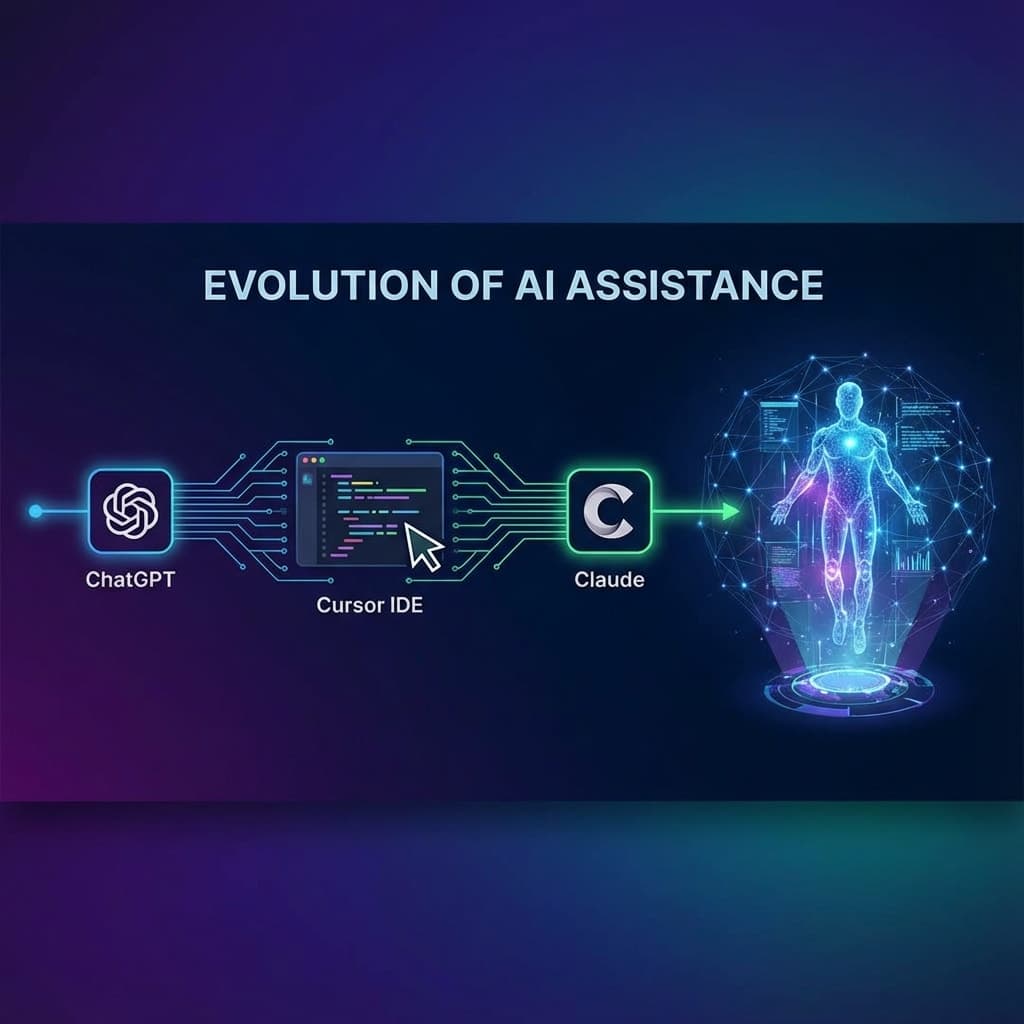
I've been accused of having Tool ADHD. The diagnosis is accurate.
Every time a new AI coding assistant drops, I'm there. Day one. Credit card ready. Productivity temporarily destroyed as I "learn the new workflow." My browser history is just a graveyard of "[Tool Name] vs [Other Tool Name]" searches.
Here's my journey—and what I actually learned along the way. 🛤️
🎓 Chapter 1: ChatGPT (College Era)
It started, as all addictions do, with a free trial.
I was in college. Deadlines were crushing me. Someone said "just ask ChatGPT."
First prompt ever: "Write me a Python function that sorts a list"
ChatGPT: Delivers perfect bubble sort with explanation
Me: "Wait, that's illegal. This is cheating. Right?"
Narrator: It was not cheating.
What I Learned
- AI can explain concepts better than my 8AM professor
- AI can generate boilerplate faster than I can type
- AI hallucinates library names (learned this the hard way)
- Copy-pasting without understanding = tech debt speedrun
Did you know? 67% of CS students admitted to using ChatGPT for assignments by 2024. The other 33% were either lying or didn't have Wi-Fi.
🖥️ Chapter 2: Cursor IDE (Early 2025)
Then I discovered Cursor. And everything changed.
Cursor wasn't just "chat with AI." It was AI inside the editor.
- Tab to autocomplete entire functions
Cmd+Kto edit code inline- Chat that could see my entire codebase
The moment I was hooked: I highlighted a function, typed "refactor this to use async/await," and it just... did it. Correctly. With error handling.
I stared at my screen for 30 seconds processing what just happened.
What I Learned
- Context is EVERYTHING (Cursor could see my files)
- AI in the editor > AI in a browser tab
- I started writing code differently—more "intent-based"
- My typing speed became less important than my thinking speed
🤖 Chapter 3: Claude Code (Now)
And now I'm here. Using Claude Code.
Why the switch?
- It's what my company uses. Consistency matters when you're collaborating.
- Claude's reasoning feels different. Hard to explain, but it "thinks" before answering more.
- The context window is massive. I can feed it entire codebases.
What's Different About Claude
| Feature | ChatGPT/Cursor | Claude Code |
|---|---|---|
| Context window | Good | Massive |
| Reasoning style | Quick, sometimes shallow | Slower, more thorough |
| Code style | Varies | More consistent |
| Hallucination rate | Medium | Lower (in my experience) |
Did you know? Claude was trained with a focus on being "helpful, harmless, and honest." The "honest" part means it's more likely to say "I don't know" instead of making things up. I appreciate that.
🔮 What I've Learned Overall
1. The Tool Matters Less Than You Think
ChatGPT, Cursor, Claude—they're all good. The difference is maybe 10-20% in specific use cases.
What matters more: How you prompt. How you review. How you think.
2. Context is King
The more context the AI has, the better the output. This is why IDE-integrated tools beat browser tabs.
3. Don't Chase Every New Tool
I wasted weeks "learning" new tools that were 5% different from the old ones.
Now my rule: Switch only if your team uses it, or if it solves a specific pain point.
4. AI Makes You Faster, Not Smarter
If you don't understand what the AI wrote, you've created a time bomb in your codebase.
Review everything. Understand everything. Or pay the price later.
🎯 Where I Am Now
I'm sticking with Claude Code. At least for now.
Not because it's objectively "the best"—there probably isn't a best.
But because:
- My team uses it
- I've built muscle memory for the prompts
- Switching costs are real
Will I hop to the next shiny tool? Probably. 😅
But at least I'll know why I'm doing it.
Here's to the journey. 🚀