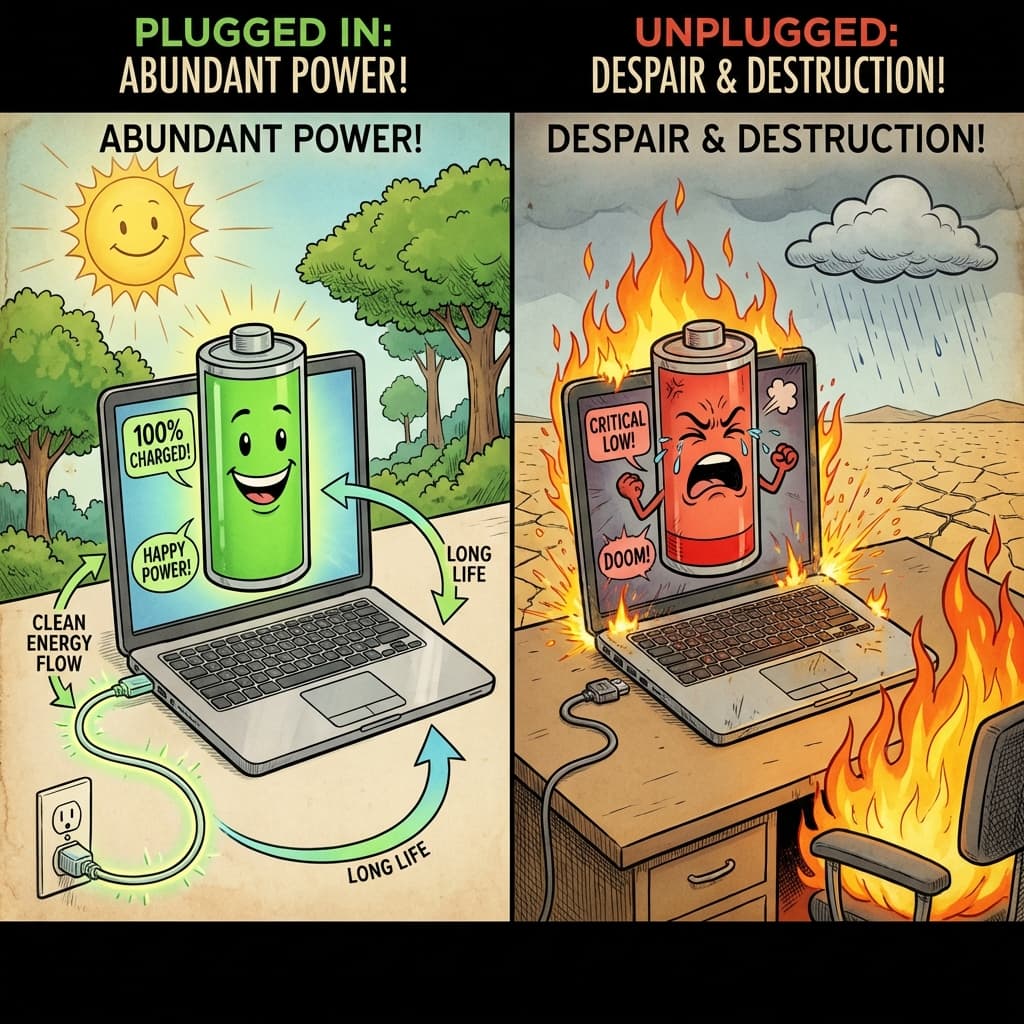
I treat my laptop battery like a fragile Victorian child who must be protected from the harsh elements of... electricity. "Oh no, it's at 99%! Is it overcharging? Is it dying? Do I need to burp it?"
The Myth: "You're Cooking It!"
The myth goes like this: "If you leave your laptop plugged in at 100%, the electrons get crowded and angry, and your battery explodes." The reality: Modern laptops are smarter than you. They stop taking power when full. They are not foie gras geese being force-fed electricity.
The Real Enemy: Heat (and Time)
What actually kills lithium-ion batteries?
- Heat. (Gaming on a bed comforter? You seek death.)
- Staying at 100% forever. (High voltage state = chemical stress.)
- Draining to 0%. (Chemical death. Do not let it sleep forever.)
So if you leave it plugged in and your laptop runs hot, you are basically slow-roasting your battery like a brisket.
The "Smart" Fix (That Took Forever)
For years, we suffered. But then, the OS gods smiled upon us.
- MacOS 10.15.5 (2020): Apple finally added "Optimized Battery Charging." It learns your schedule and stops charging at 80% until 5 AM. (Narrator: Unless you have an irregular sleep schedule, in which case it just guesses poorly.)
- Windows 11: Most manufacturers (Dell, HP, Surface) now have "Smart Charging" in their BIOS or apps. It limits charge to 80% if you're a "desk hugger."
Conclusion
Plug it in. Don't plug it in. The universe will end eventually anyway. Ideally? Keep it between 20% and 80%. Realistically? You're going to use it until it dies, replace the battery for $100, or buy a new laptop because the "O" key stopped working.
Just don't let it bake in the sun. That's battery murder. And no court will aquit you.