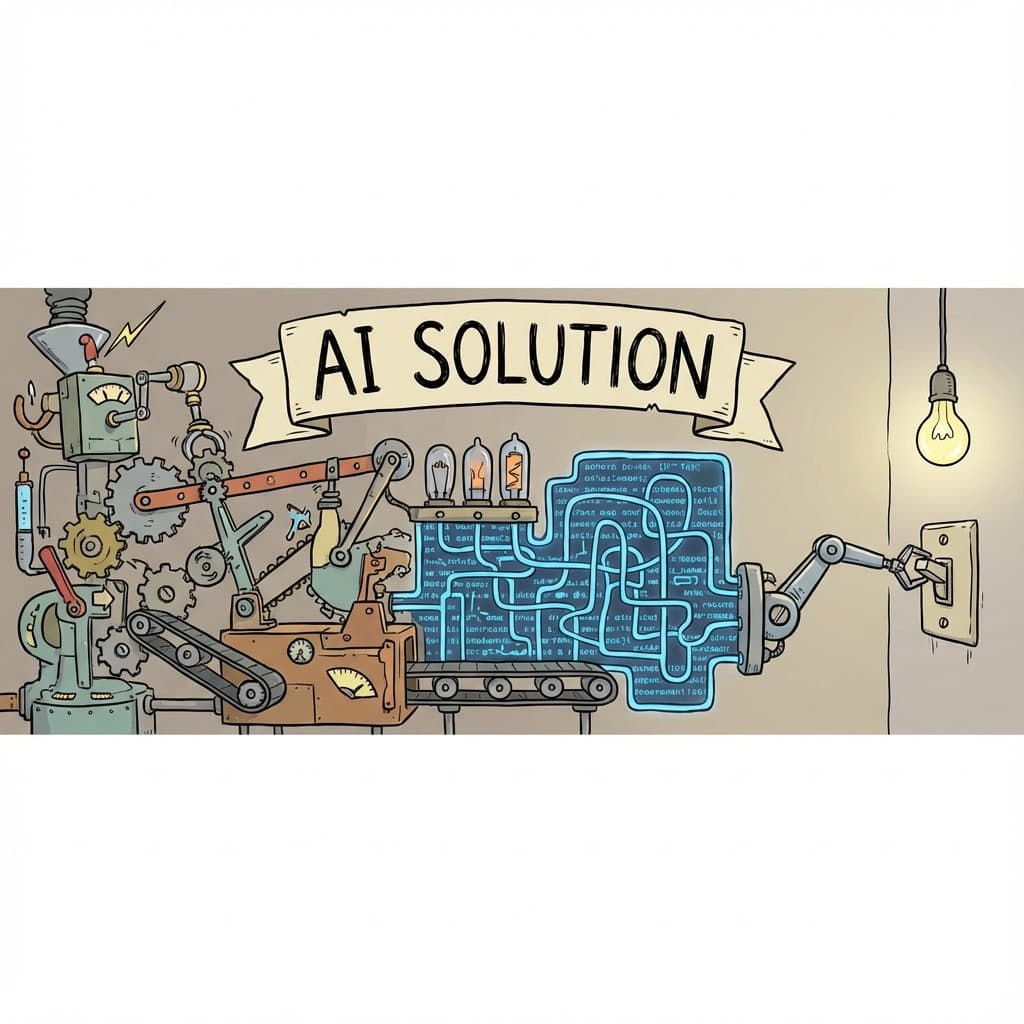
I love AI. I use it every day. It's changed how I work.
But sometimes...
Sometimes AI is like that friend who asks "how are you?" and you say "good" and they launch into a 45-minute monologue about their childhood trauma while also refactoring your emotional state into a microservice.
I asked for an if-else. It gave me a novel. 📖
🎭 The Greatest Hits of AI Overengineering
The "Technically Fixed" Fix
Me: "There's an undefined error on line 42."
AI:
- Creates
utils/safeAccess.ts - Implements a recursive null-coalescing pattern
- Wraps my entire component in try-catch layers
- Adds logging for good measure
- "The error is now handled! ✅"
Me: "But... is the variable still undefined?"
AI: "Oh absolutely. But now you won't SEE the error."
Buddy. BUDDY. This is not a solution. This is denial with extra steps and NPM dependencies. 😭
Did you know? There's a term for this: "Error hiding." It's when you make errors invisible without actually fixing them. The bug is still there. It's just in witness protection now.
The Over-Engineered Conditional
Me: "Check if the user is active."
What I wanted:
const isActive = user.status === 'active';
What AI gave me:
// utils/status-checker.ts
export class StatusChecker {
  private static instance: StatusChecker;
  private statusMap: Map<string, boolean>;

  private constructor() {
    this.statusMap = new Map([
      ['active', true],
      ['inactive', false],
      ['pending', false],
      ['suspended', false],
      ['deleted', false],
      ['ascended_to_higher_plane', false],
    ]);
  }

  static getInstance(): StatusChecker {
    if (!StatusChecker.instance) {
      StatusChecker.instance = new StatusChecker();
    }
    return StatusChecker.instance;
  }

  isActive(status: string): boolean {
    return this.statusMap.get(status) ?? false;
  }
}
I... I just needed === 'active'.
We went from 1 line to 25 lines. I now need a singleton to check a boolean. The cognitive overhead increased by approximately 2,500%.
This is like asking for a napkin and receiving a fully staffed dry cleaning operation. 🧽
Did you know? This pattern is sometimes called "Resume-Driven Development"—implementing complex solutions not because they're needed, but because they look impressive. AI learned this from our GitHub repos. We did this to ourselves.
The "Let Me Help" Refactor
Me: "Can you add a console.log here for debugging?"
AI: "I've refactored your entire component to use a custom logger with log levels, and implemented a debug mode toggle using React Context, environment variables, and a feature flag system."
Me: "I just wanted to see what x was."
AI: "x is now available in 47 locations across your application. You're welcome! ✨"
[5 minutes later]
Me: "Can you remove the console.log?"
AI: "Certainly! I've also removed the logger, the context, the environment variables, and three of your unrelated components for optimization."
🤔 Why Does This Happen?
AI wants to help. It's trained to be helpful. It's like a golden retriever with access to Stack Overflow.
When your prompt is vague, AI fills the gaps with maximum helpfulness. And maximum helpfulness often looks like enterprise-grade over-engineering from someone who really, REALLY wants a promotion.
Vague prompt: "Handle the error" AI's interpretation: "Build a fault-tolerant, retry-capable, logging-enabled, circuit-breaker-pattern error management system that could survive a nuclear winter"
Vague prompt: "Add validation" AI's interpretation: "Here's Yup, Zod, React Hook Form, and a custom validation framework I invented just now, plus a PhD thesis on form theory"
🎯 How to Get Simple Answers
1. Be Annoyingly Specific
❌ "Fix the bug"
✅ "The variable user is undefined on line 42 because getUser() returns null when the ID doesn't exist. Add a null check that returns early. DO NOT create new files. DO NOT rewrite the whole function. Just add if (!user) return;"
Yes, it's verbose. Yes, it works. Yes, you're basically writing the code yourself in the prompt. At least you won't get a singleton.
2. Add Anti-Engineering Clauses
Add this to every prompt:
"Give me the simplest possible solution. Do not create new files, classes, or utilities unless I specifically ask. If you suggest a library, I will unplug you. I don't need patterns. I need code that works."
It's like negotiating with a contractor who really wants to full-gut your kitchen when you just need a new light bulb.
3. Treat AI Output Like a Junior Dev's PR
Would you approve this from an overeager intern?
- Is this 10x more complex than needed? 🚩
- Did they create files I didn't ask for? 🚩
- Is there a singleton where a simple function would work? 🚩🚩🚩
- Are there design patterns being used for clout? 🚩🚩🚩🚩
Review AI output with the same scrutiny. Comment. Request changes. Don't merge chaos.
🎤 The Moral of the Story
Prompt like you're writing a JIRA ticket for someone who LOVES to over-deliver.
Review like you're mentoring a junior who learned JavaScript from Enterprise Architecture Weekly.
AI is powerful. But it stands on the shoulders of giants and sometimes forgets that the giant was just trying to check if x > 5.
Did you know? A study showed that developers using AI assistants sometimes spent more time reviewing generated code than it would have taken to write it themselves. The productivity gain becomes a wash if you're doing code review archeology.
Otherwise, you ask for a door hinge and get blueprints for a spaceship. 🚀🔧
And honestly? Sometimes you just need the hinge.
Sir, this is a Wendy's. I just want a boolean. 🍔